When I first heard about the workshop, the word Add-Ons caught my attention and seeing that I’d like to make good use of the weekend, I decided to attend. But boy, it was much more than that.
The workshop was held on a sunny Saturday afternoon, with a lot of bright-eyed freshmen and a few sophomores like me and a few classmates in attendance, at the all-too-familiar CS department Seminar Hall.
The first part of the workshop started off with a talk by Bhuvana Meenkashi, a Mozilla Representative, and also a Mozilla Mixed Reality Evangelist. She initially briefed us on VR, AR and MR. For the uninitiated,
- Virtual reality (VR) immerses users in a fully artificial digital environment
- Augmented reality (AR) overlays virtual objects on the real-world environment
- Mixed reality (MR) not just overlays but anchors virtual objects to the real world
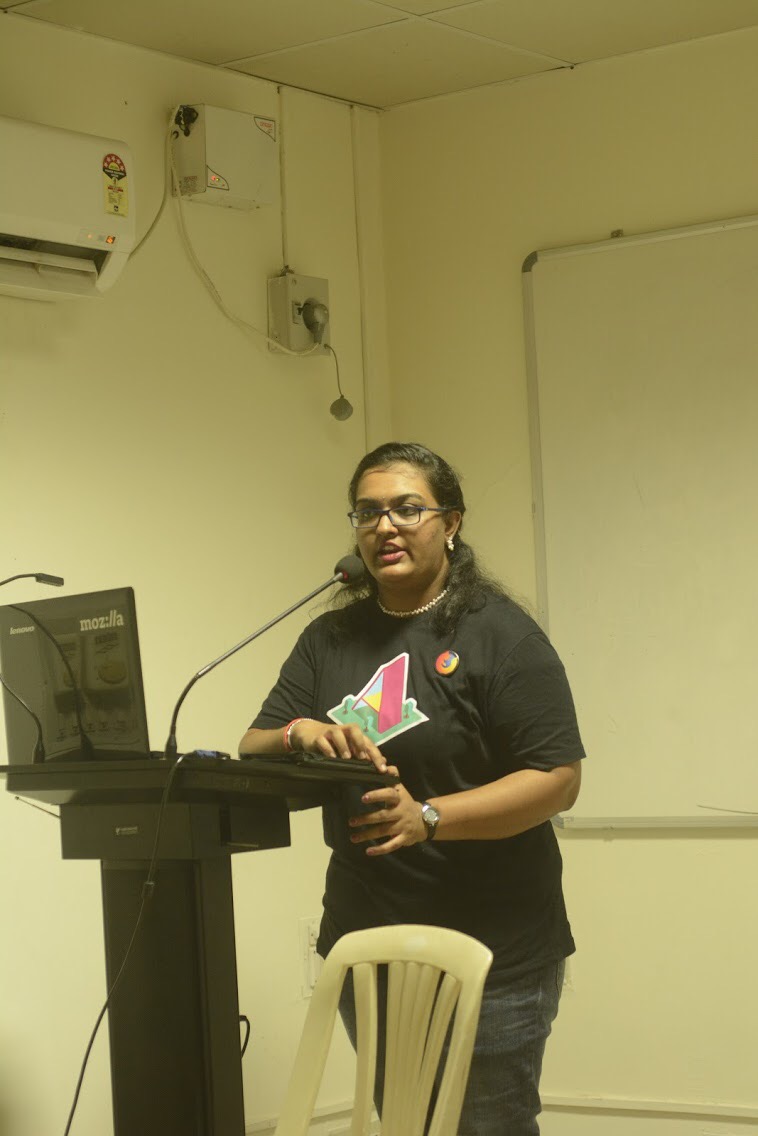
I’ve had an idea about VR from Pokemon Go and an app that named and displayed constellations as I directed my phone camera at the night sky. I was a huge fan of the Microsoft HoloLens and so had a good idea of AR. MR is simply a combination of the two.
Then came the main focus of the Web VR workshop, the A-Frame framework. It allows for web pages to display a VR world with 3D objects, a skybox, and movement, with very few lines of code! It was hands-on, with us managing to make and explore different VR worlds with shapes of all sizes and animations that kept us intrigued.
At first glance, it doesn’t feel too different than 3D sandbox games like Minecraft, or games made with Unity. What distinguishes it is that it’s designed to be able to run on anything with a web-browser, from phones, to tablets, to computers. A-Frame is really powerful in this regard, with support for plugins, like 3D meshes made using Blender, and better movement. I encourage those with a good Web Development background and are interested in making interactive web-apps with a world to explore, to try out this framework. It is easy to pick up and runs pretty well alongside other frameworks like Django and Ionic.
The next part of the workshop was about Mozilla Add-ons, presided over by another Mozilla Representative, Jyotsna Gupta, who is also a Firefox Add-ons Mentor. She gave us a presentation on what Firefox add-ons are, what frameworks and additional functions they use, and how to make one.
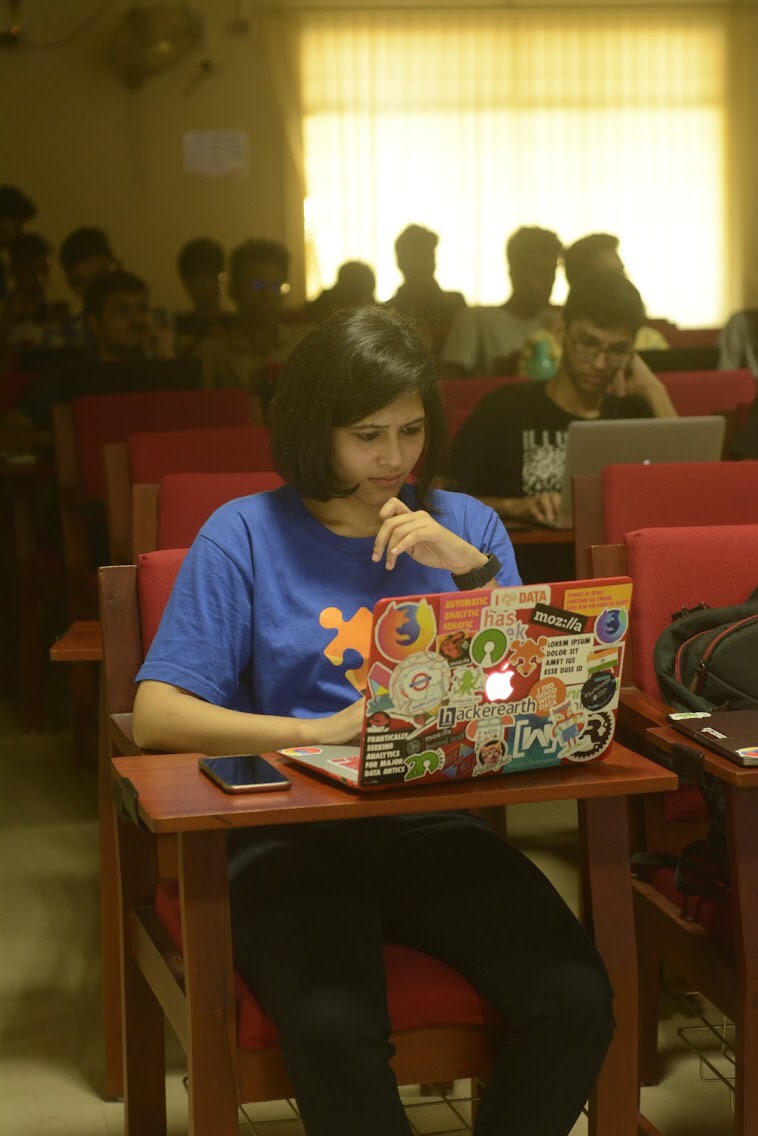
Most people using a web browser for years has chanced upon an add-on. Thus, the idea is pretty straightforward and is really easy to make, given that you’re familiar with HTML, CSS, and JS. This was more hands-on with everyone managing to make a very simple add-on, tweaking a few bits and pieces to their liking, but it did leave a good impression on me. I plan to make one for sending timed notifications about some events on a list.
The workshop ended with a Q&A session with both the Mozilla representatives, as well as the giveaway of some fancy Mozilla goodies like stickers and a Firefox badge, and certificates for participation. I was very interested in the workshop and I look forward to more of the same.
– Bharath Adikar (IInd Year IT)